See It in Action
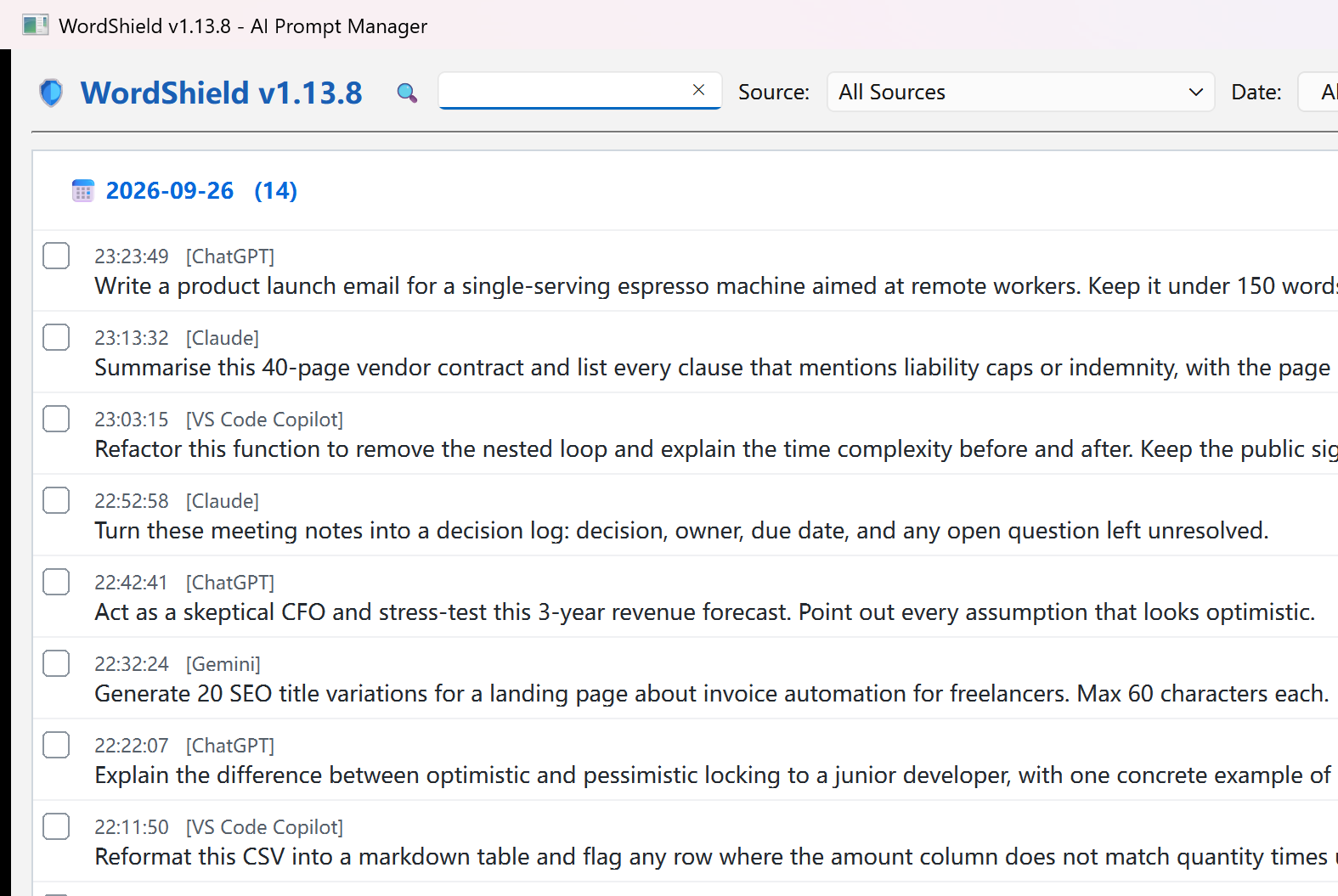
WordShield - Never lose an AI prompt again. Auto-capture, local storage, one-click retrieval.
Records prompts as you type - no copy-paste needed. Chinese is read straight from the control, never garbled into pinyin. Password fields are never captured.
5 analysis dimensions x 6 scopes. Built-in engine works out of the box, or bring your own API key.
Search by keyword / source app / date. Three-layer auto-dedupe: exact match, containment upgrade, near-duplicate absorb.
Not just ChatGPT / Claude / Gemini in the browser - WPS AI, VS Code Copilot, Cursor and native AI clients are covered too.
Data lives only in a local SQLite file on your PC (%APPDATA%/WordShield/data/). There is no server to talk to - block this exe in your firewall and every feature still works.
Unzip and run - no installer, no admin rights. Runs quietly in the system tray. About 120 MB unpacked.
Free download, install and use immediately, boost your AI productivity
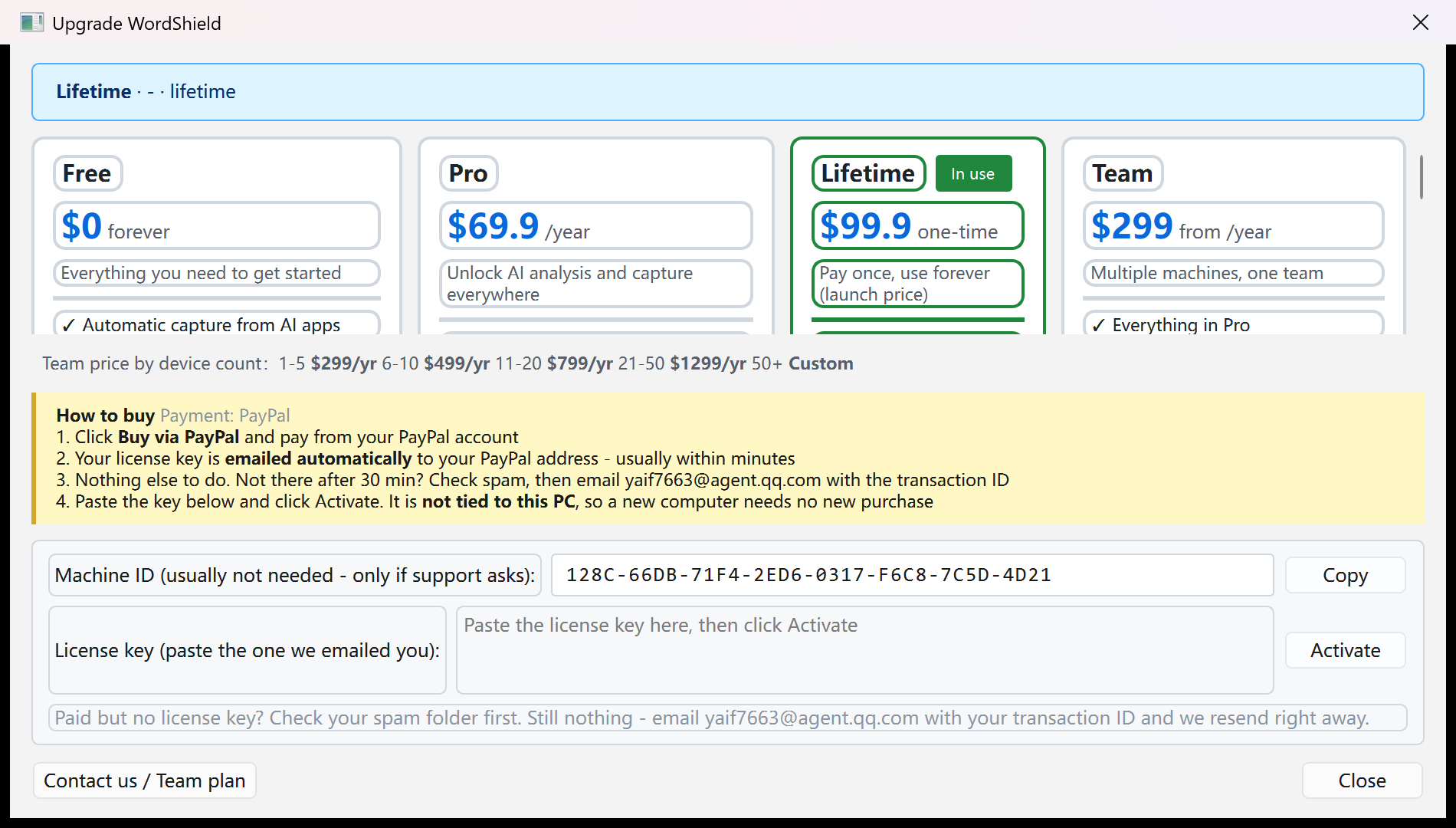
📥 Windows Download v1.13.9After payment, your key is emailed to your PayPal address (from yaif7663@agent.qq.com)
WordShield reads text input controls (the same family of behaviour as input-method and keystroke tools), and the installer is not code-signed yet, so some antivirus products (e.g. 360) flag it heuristically as a trojan/risk. This is a false positive: WordShield makes zero network calls — block it in your firewall and every feature still works. Nothing is ever transmitted off your PC.
SHA-256 checksum (please verify your download):
Verify with PowerShell:
If blocked, add WordShield to your antivirus allowlist. The permanent fix is code signing the installer, which is in progress.
Download the 50.0 MB zip, unzip anywhere
Double-click the exe - no install, no signup. On first run click "More info → Run anyway"
Keep typing in ChatGPT / Claude / Cursor as usual - WordShield saves it in the background and finds it when you search